Feature
Hold your phone to the box
With an NFC sticker on the box, holding your phone to it opens the list of what's inside — no aiming the camera, and it works even when the label is covered.
How it works
Put on the sticker
A writable NFC sticker, on one side of the box. The printed label can mark that side.
Link it to the box
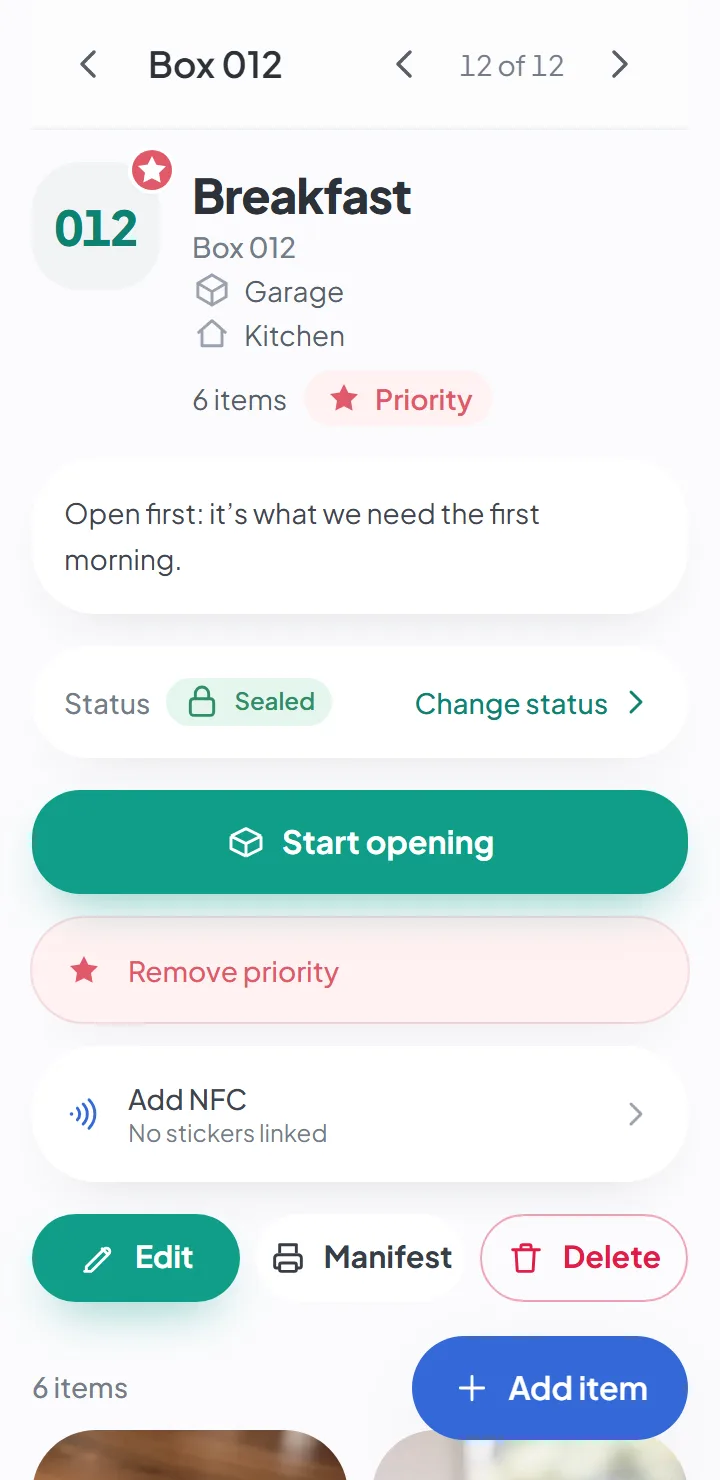
On the box, tap «Add NFC» and hold your phone to the sticker. This is done on an Android phone, in Chrome.
Hold your phone to read it
After that, any phone with NFC opens the box just by holding it to the sticker.
Why NFC tags as well as a QR code
A QR code has to be seen: the camera has to catch it, with enough light and nothing in the way. NFC doesn’t. Hold your phone to the box — in a dark basement or storage unit, or with the label hidden behind another box — and it opens.
For boxes you check often — the ones that stay in storage for months and get opened now and then — it’s faster.
How to link a sticker to a box
On the box’s page there’s the Add NFC option. Tap it, hold your phone to the sticker, and you’re done: from then on, the sticker opens that box.
Writing a sticker only works on an Android phone, in Chrome — that’s where browsers let you write NFC. Once it’s written, any phone with NFC can read it, Android or iPhone.
Marking the NFC side
When you print the labels, there’s an option to mark one side as NFC: the last label of each box gets the symbol, so whoever picks up the box knows where to hold the phone.
What people see when they hold a phone to it
The same as with the QR code: a member of the move sees the box and what’s inside; anyone who isn’t a member sees nothing.
Good to know
- Linking a sticker to a box only works on an Android phone, in Chrome. An iPhone can read it, but not write it.
- You buy the stickers separately — the app doesn't sell them.
- It depends on your plan.
Keep reading
Start your move with everything in its place
Create an account, photograph your first box and see how quick it is.
Create a free accountStart using it now. It’s free.