Feature
Forgot where you put it? Search.
Type what you're looking for. The answer brings the photo, the box number and where the box is — and it works offline.

How it works
Type what you're looking for
One word is enough — “coffee maker”, “charger”, “passports”. Results appear as you type.
See where it is
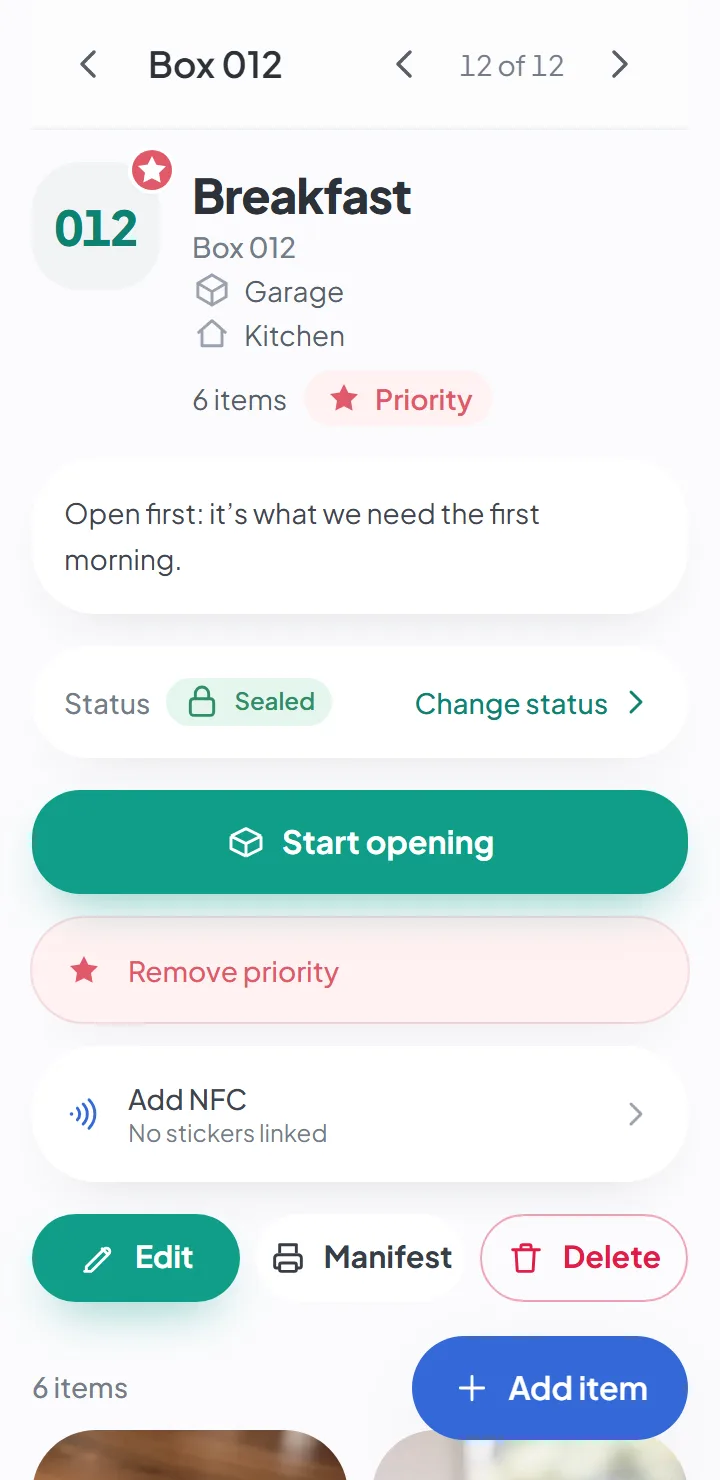
Each result shows the item's photo, the box and where the box ended up — «Box 012 · Garage».
Open the right box
Tap the result and it opens the item, with its photos, the box it's in and where that box is.
Where did I put that thing?
Almost everyone has been there: you know you put the thing away, you just can’t remember where. In a move it’s worse — there are forty identical boxes, and the memory of packing them is three weeks old.
The answer isn’t a better memory. It’s not having to rely on it. If every item was recorded with its photo and the box it went into — a small inventory of your stuff — forgetting where you put something stops being a problem: you search, and the app answers.
That’s also the honest limit. The app finds the items you recorded. A lost item at home that nobody ever photographed or wrote down won’t be in it.
What the search looks at
Everything you or the AI wrote about each item:
- the description and the notes;
- the category;
- the attributes — color, brand, material, size;
- the owner, if you set one — type “Emma” and Emma’s things show up;
- the box number, where the box is and the room it’s going to;
- the barcode, if you linked one.
It forgives how you spell things
The search ignores accents, matches the beginning of words and tolerates typos. “Chager”, “charg” and “charger” give the same result. You don’t have to remember how you described the item three weeks ago.
It works offline
The search runs on your phone itself, on the data that’s already there. In a garage with no signal, in a storage unit, in the moving truck — it answers just the same, and fast.
One move or all of them
By default, it searches the move you’re in. If you have more than one — the one from your old apartment and the boxes stored at your parents’ place, say — you can search all of them at once.
On iPhone, Android or a computer — and free to start
HomeItemFinder runs in the browser of any phone or computer — an iPhone (iOS), an Android phone or a laptop — and you can install it on your home screen to use it like an app. There are no versions in the app stores yet. You can start for free, with no credit card; the free plan’s limits are on the pricing page.
Or without typing anything
If the box is right in front of you, you don’t even need to search: point your phone at the QR code on the label and you see the list of what’s inside. See QR code labels.
Good to know
- The search finds what was recorded. Something that was never photographed or written down doesn't show up.
- You can search one move or all of them, but you can't filter by category or by owner yet.
Questions about this
Does it work without internet?
Yes. You can view, search and add items and photos with no connection; the app syncs when you’re back online.
AI suggestions and dictating notes need a connection.
Who can see my photos?
Only the people the owner invited to that move. Photos are kept in private storage, and location data is removed on your phone before the photo is uploaded.
If you turn on AI suggestions, the item’s photos are sent to Google to generate the suggestion. It’s optional, and it’s off by default.
Keep reading
Feature
Add items to your moving inventory with just the camera
Snap, save, next. The photo is the only required field.
Feature
QR code labels, ready to print
A4 sheets with the box number and a QR code. Scanning the code opens the list of what's inside.
Guide
What to do after moving
What to unpack first, your first night in the new house and the order to take the rooms in.
Start your move with everything in its place
Create an account, photograph your first box and see how quick it is.
Create a free accountStart using it now. It’s free.