Feature
Works where there's no signal
Garages, storage units and elevators rarely get a signal. The app keeps working and syncs when the connection comes back.
How it works
Open the app once with a connection
Your move is saved on your phone. From then on, the app opens even without a connection.
Work as usual
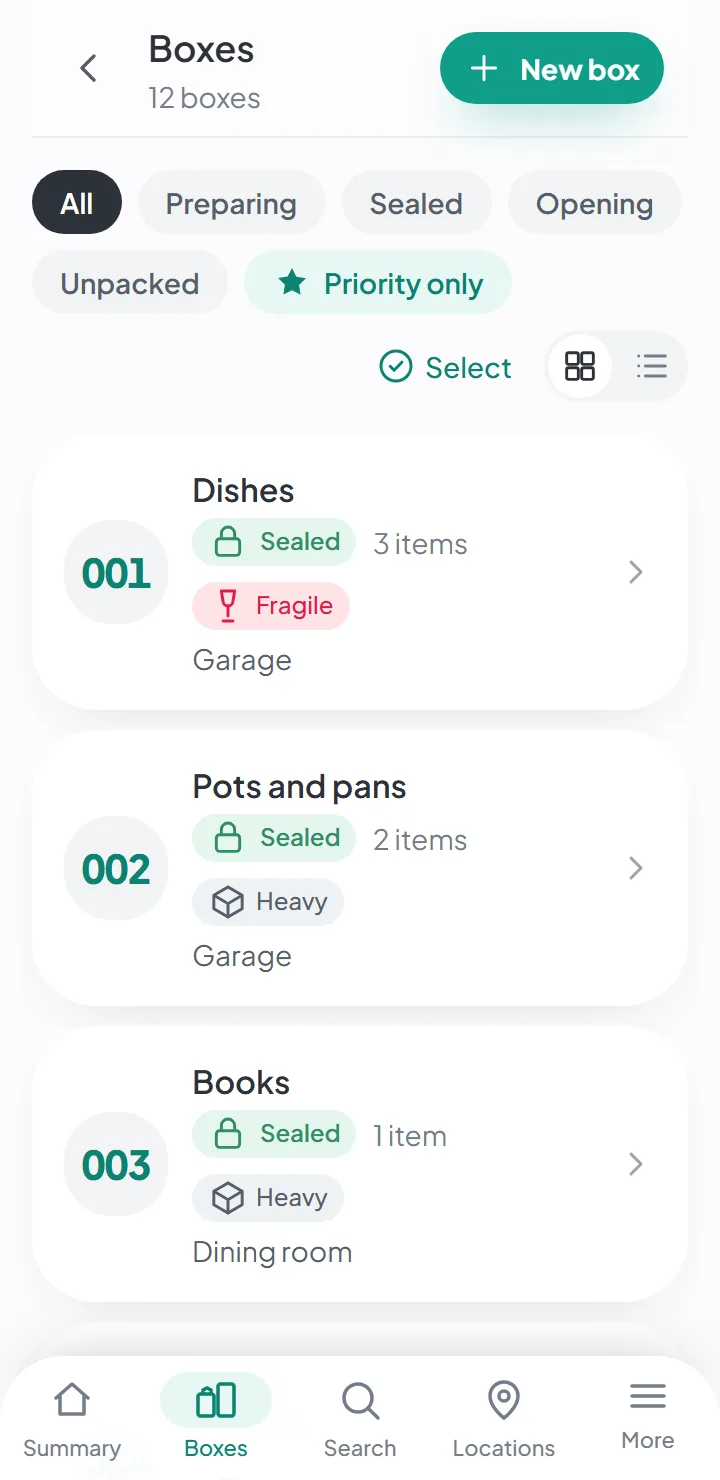
View boxes, search, create items and take photos. Everything stays on your phone.
The connection comes back, the app syncs
What you did offline uploads on its own, and what the others did reaches you. You don't have to do anything.
What works offline
- Opening the app and viewing your moves, boxes and items.
- Searching — search runs on the phone itself.
- Creating and editing items, with photos.
- Changing a box’s status and checking off items as you unpack.
Everything you do is saved on your phone and uploads to the server when there’s a connection. If someone else changed the same move in the meantime, their changes reach you at that point.
What needs a connection
AI suggestions and note dictation: the analysis happens off the phone. Offline, the item is saved with just its photos; if you have automatic suggestions on, the AI fills it in when the connection comes back.
And, of course, inviting people and getting what the others have done.
Install it like an app
The app opens in any recent browser, on a phone or a computer, and can be installed on your home screen. Once installed, it opens like an app — full screen, with its own icon, without the browser bar — and updates itself when there’s a new version, without interrupting what you’re doing.
- On Android, in Chrome: the menu has an option to install the app.
- On iPhone, in Safari: «Share», then «Add to Home Screen».
- On a computer, in Chrome or Edge: the install icon appears in the address bar.
You don’t have to go through any app store.
Photos, without using up extra data
Photos are made smaller on the phone itself before they upload, and only the smaller version is sent. In a garage with a weak signal, they upload when the connection allows, without you having to do anything.
Good to know
- AI suggestions and note dictation need a connection. The item is still saved; with automatic suggestions on, the AI fills it in when the connection comes back.
- Signing out erases the data stored on that phone. It downloads again the next time you sign in.
- There are no versions in the app stores. The app installs from the browser.
Questions about this
Does it work without internet?
Yes. You can view, search and add items and photos with no connection; the app syncs when you’re back online.
AI suggestions and dictating notes need a connection.
What devices does it work on?
Any phone or computer with an up-to-date browser. You can install it on your home screen and use it like an app.
There are no versions in the app stores yet.
Keep reading
Start your move with everything in its place
Create an account, photograph your first box and see how quick it is.
Create a free accountStart using it now. It’s free.