Feature
The photos of your home are yours
Photos without location data, private storage, and a move that only the people who were invited can see.
Your photos
- No location data. Before a photo leaves your phone, the hidden data it carries — where it was taken, which device took it — is removed. Only the image itself is uploaded.
- Made smaller on your phone. What’s uploaded is a version up to 1280 pixels and a thumbnail, both made on the phone itself — the full-size photo from the camera isn’t uploaded.
- In private storage. No photo has a public address. Only members of the move can see them.
Location comes in somewhere else, and only if you allow it: when your browser shares it, the app saves your position at that moment alongside a code scan or an action in the box’s history. It’s never continuous tracking, and it’s described in the privacy policy.
Who can see your move
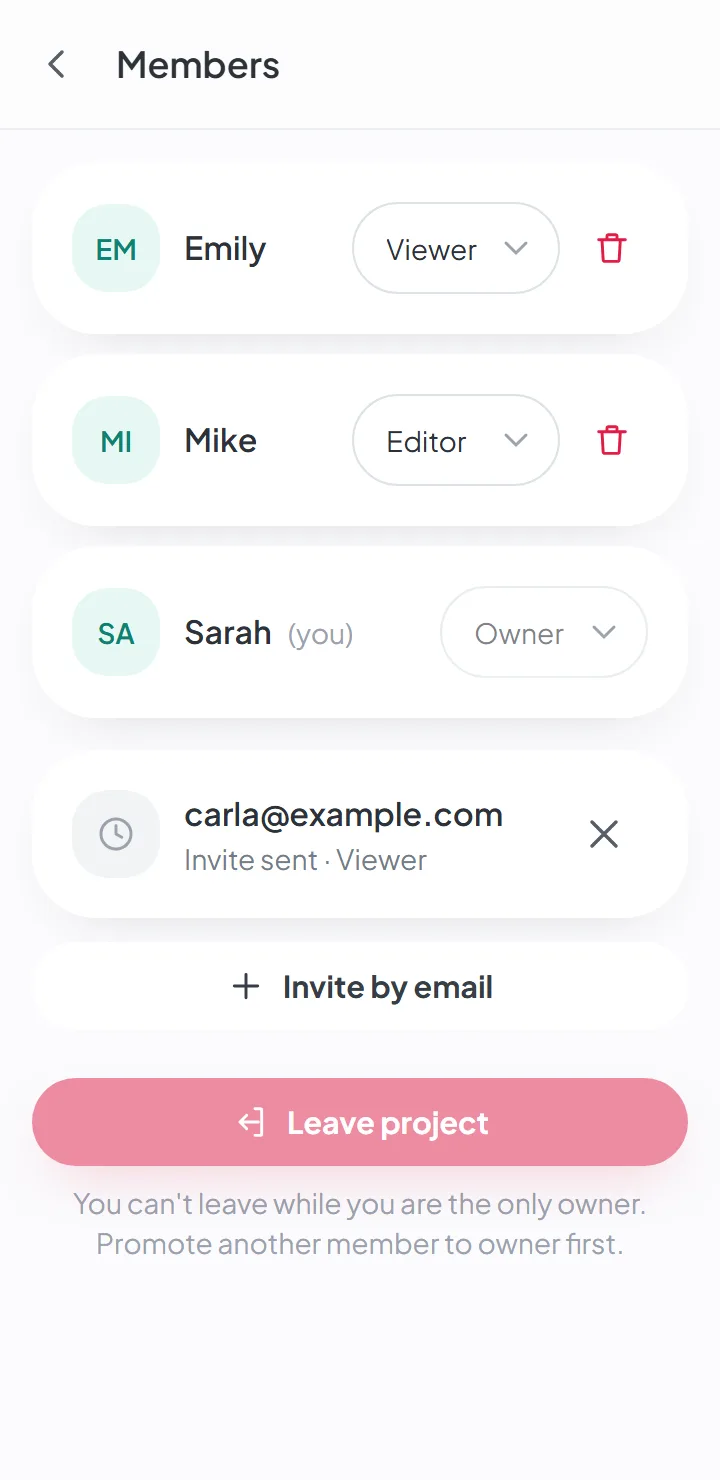
Only the people the owner invited, with the role the owner gave them. The rule lives on the server itself, in every table: it doesn’t depend on the app behaving.
Someone who isn’t a member and scans a box’s QR code or holds their phone to it sees nothing — and the scan is recorded in the box’s history. On the plans that include it, the owner gets an email when the person scanning isn’t signed in to the app — at most one an hour.
The team that runs the platform sees accounts, numbers and dates — how many boxes, how many items, how much space — and never the content: not the photos, the descriptions or the box names. Every lookup they make is logged.
Your account
- A password of twelve characters or more, checked against the ones that have already shown up in known data breaches.
- Two-step verification, optional, with an authenticator app and recovery codes.
- An email alert when someone signs in to your account on a new device.
- Sessions that expire: after days without use, and always after a few weeks.
- Signing out erases the data stored on that phone or computer.
Where your data is stored
The database and the photos are hosted in Frankfurt, Germany. Some services the app uses may process data outside the European Union — sending emails, backups and, if you turn them on, AI suggestions and dictation, which use Google. Every provider is named in the privacy policy.
Backups
Once a week, an encrypted backup of the database and the photos is made and kept for 35 days; the photos also have a second encrypted copy with another provider.
What isn’t automatic yet
Deleting your account and downloading all your data at once are done on request, by email, for now — the terms of service and the privacy policy explain how.
Good to know
- It isn't end-to-end encryption. Your data is protected on the server, but the people who do technical maintenance have access to the database.
- If you turn on AI suggestions, the item's photos are sent to Google to generate the suggestion.
- Deleting your account and downloading all your data are requested by email for now — there's no button in the app yet.
Questions about this
Who can see my photos?
Only the people the owner invited to that move. Photos are kept in private storage, and location data is removed on your phone before the photo is uploaded.
If you turn on AI suggestions, the item’s photos are sent to Google to generate the suggestion. It’s optional, and it’s off by default.
Does it work without internet?
Yes. You can view, search and add items and photos with no connection; the app syncs when you’re back online.
AI suggestions and dictating notes need a connection.
Keep reading
Start your move with everything in its place
Create an account, photograph your first box and see how quick it is.
Create a free accountStart using it now. It’s free.